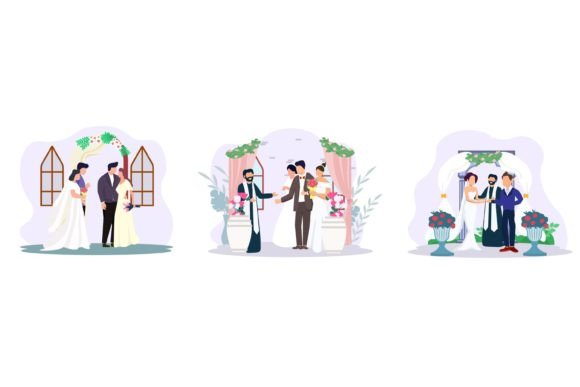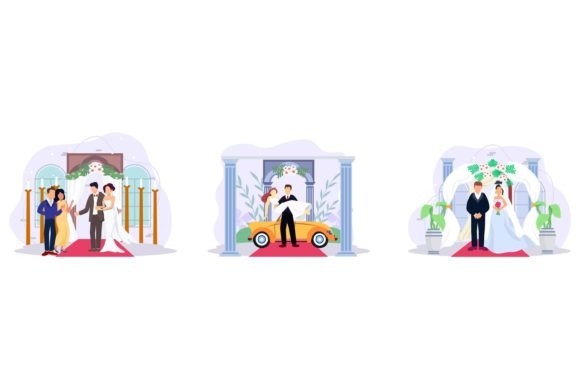
Modern Love: Using Wedding Celebration Flat Design for Events
Capturing the essence of a wedding requires more than just good photography; it demands a cohesive visual language. For designers, content creators, and event planners working on nuptial projects, there is often a struggle to find assets that balance elegance with modern simplicity. This is where the Wedding Celebration Flat Design vector pack shines. It offers a refreshing departure from overly ornate or dated wedding graphics, providing a sleek, contemporary aesthetic that appeals to modern couples. By stripping away unnecessary gradients and focusing on clean lines, this collection helps you communicate joy and sophistication without visual clutter.
The Power of Minimalism in Modern Wedding Branding
Flat design is not just a trend; it is a functional approach to visual communication. When applied to wedding stationery and branding, it ensures that your message remains the focal point. The Wedding Celebration Flat Design assets utilize a specific aesthetic characterized by bold colors, crisp edges, and two-dimensional illustrations. This style is incredibly versatile, working seamlessly across digital screens and high-quality print materials alike.
One of the standout features of this collection is the technical quality. Being 100% vector graphics means these assets are infinitely scalable. You can enlarge a delicate floral motif for a large-format poster or shrink it down for a favicon without losing a single pixel of resolution. Furthermore, because they are fully editable in Adobe Illustrator, you have total control over the color palette. Whether the wedding theme is "Classic Champagne" or "Boho Terracotta," you can adjust the RGB color modes to match the specific swatches of your client or personal project. The well-organized shapes make the editing process intuitive, even for those who are still honing their Adobe Illustrator skills.
Creative Applications: From Invitation Suites to Digital Products
The utility of a high-quality design pack lies in its flexibility. When you download a package that includes JPEG previews and editable vector files, you are investing in a toolkit that spans multiple mediums. Here is how you can practically apply these assets to elevate your projects:
- Invitation Suites & Print Materials: The core of any wedding project. Use the flat design elements to create save-the-dates, RSVP cards, and day-of programs. The clean lines ensure that typography remains legible, which is crucial for communicating event details.
- Website and Blog Design: For wedding planners or bloggers, these vectors serve as perfect section dividers, hero image backgrounds, or icon sets. Because the files are high-resolution and ready to use, they load quickly and look crisp on retina displays.
- Social Media Graphics: Instagram and Pinterest are visual-first platforms. Use these assets to create cohesive story highlights, announcement posts, or countdown graphics. The flat style is particularly effective on mobile screens where complex details often get lost.
- Packaging and Merchandise: If you are creating favors, stickers, or custom merchandise for the bridal party, the scalability of these vectors ensures your prints look professional. The well-organized layers allow you to isolate specific objects, like a champagne bottle or a wedding ring, to use as individual icons.
Building a Cohesive Visual Identity
Consistency is the hallmark of professional design. When a wedding—or any brand event—lacks visual consistency, it can feel disjointed. By utilizing the Wedding Celebration Flat Design pack, you ensure that every touchpoint, from the initial digital invite to the final thank-you card, shares a unified visual DNA.
This consistency builds trust and recognition. For designers working with clients, presenting a mood board that includes these flat design elements can help streamline the approval process. The modern typography and clean aesthetic appeal to a broad audience, making it a safe yet stylish choice for diverse tastes. Moreover, the professional presentation of these files allows you to work faster. Instead of spending hours drawing basic wedding icons from scratch, you can focus on the strategic aspects of the design, such as layout and font pairing.
Practical Tips for Implementation
To get the most out of your design assets, consider the workflow. Since the files are provided in EPS format, ensure your version of Adobe Illustrator is up to date. When opening the files, take a moment to explore the layers panel. You will likely find that objects are grouped logically, which makes swapping colors or hiding elements much easier.
When integrating these graphics with text, remember that flat design pairs best with clean typography. A modern sans-serif font often works well for body text, while a delicate script font can add a touch of romance for headings. However, avoid using too many font styles; let the vector illustrations do the heavy lifting for the visual interest. Test your color combinations using the RGB values provided or your own custom palette to ensure the graphics complement, rather than compete with, your text. By treating these vectors as a flexible system rather than static images, you can unlock endless creative possibilities for your next wedding-themed project.